FAQs
Where do I find my fireplace serial number?
Depending on your fireplace, your serial number can be found in different locations.
Gas Fireplaces
- White Remote: The serial number is located under the batteries in your remote control.
- Black Remote: Via the remote display: - Shake the remote to wake the display. - Tap the three lines (Menu) at the bottom of the display. - Go to Settings → Advanced → Information. Your serial number will be listed here.
Other locations:
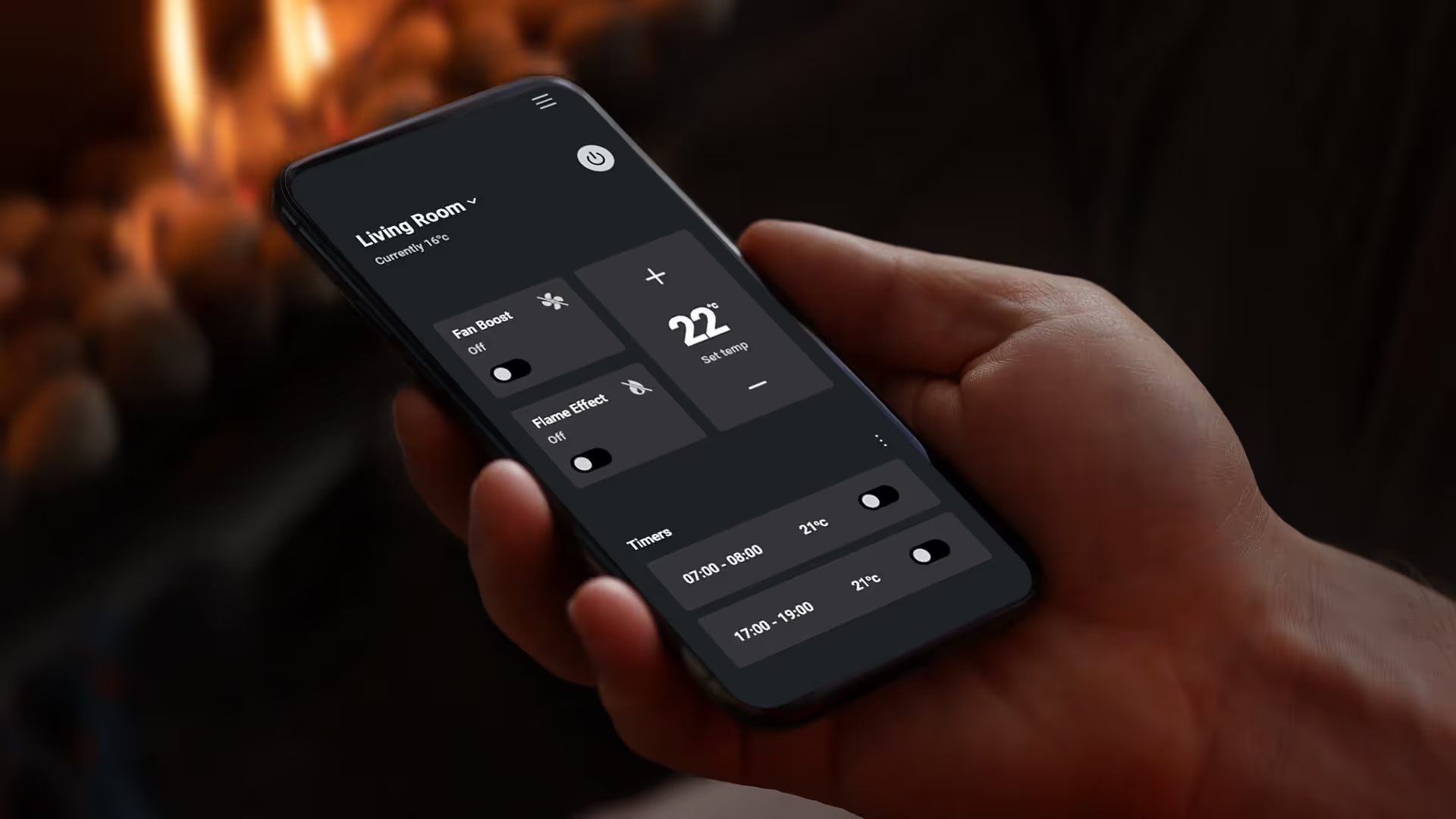
Smart Heat App (MK2 and above) — visible in the top left-hand corner of the app on the home page.
Owners Manual — printed on a sticker on the cover page. Quick Start Card included in the remote control's packaging.
Wood Fireplaces
- In-Built (TC Series) The serial number is located under the door handle on the right-hand side of the appliance.
- Freestanding (TFS Series)The serial number is on a steel data plate outside the back of the fire.
Tip: If you're unable to access the rear of the fire, your installer may have recorded the serial number on your installation manual.
Electric Fireplaces
Via the remote display:
- Shake the remote to wake the display.
- Tap the three lines (Menu) at the bottom of the display.
- Go to Settings → Advanced → Information.- Your serial number will be listed here.
Other locations:
Smart Heat App (MK2 and above) — visible in the top left-hand corner of the app on the home page.
Owners Manual — printed on a sticker on the cover page.
Quick Start Card — included in the remote control's packaging. For further specifications and detailed instructions, refer to your Owner or Installation Manual.
Do I need to get my gas fireplace serviced?
Yes. Gas fireplaces should be serviced regularly to ensure safe, efficient operation. We recommend an annual service, ideally before winter. A licensed gasfitter must carry this out and provide any required compliance documentation.
Do I need consent to install an outdoor fireplace?
In many cases, outdoor fireplaces don't require consent, particularly for freestanding or open outdoor installations. However, requirements can vary depending on your location, the type of fireplace, and how it’s installed (for example, in-built designs or installations close to the home, boundaries, structures may require consent).
It’s always recommended to check with your local council or authority before installation. Your local Escea retailer will also be able to offer guidance.
Walk into Warmth
Download Escea’s SmartHeat App to control your gas or electric fireplace from your smartphone.