SmartHeat
Whether you’re on the couch or in the car – the perfect temperature is only a swipe away.
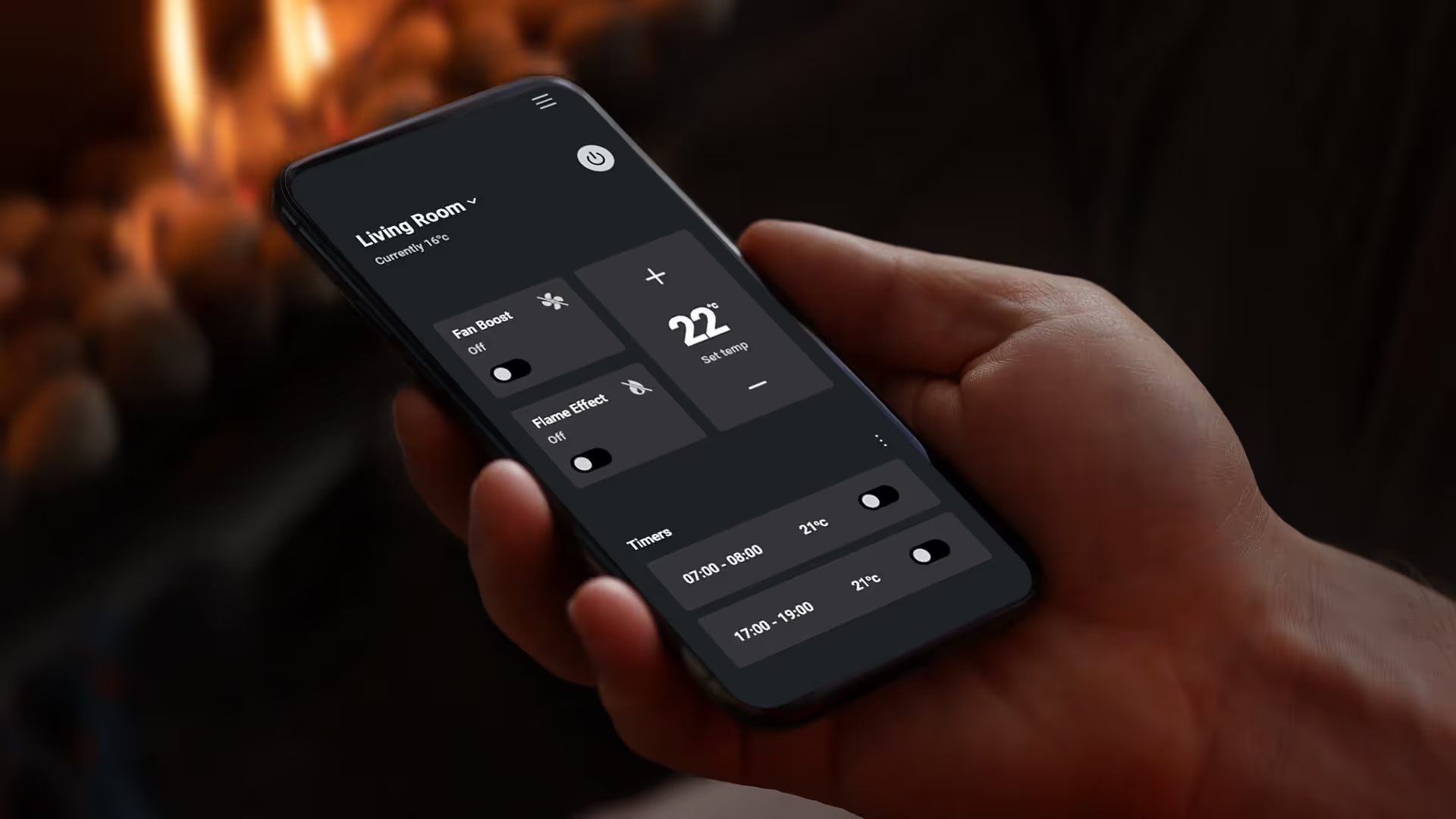
SmartHeat App
Escea’s intuitive SmartHeat App lets you adjust your fireplace settings directly from your smartphone. Whether you’re on the couch or in the car – the perfect temperature is only a swipe away.
And with an Escea Electric Fireplace, you can even control your fireplace with voice commands by connecting to Alexa or Google Home
SmartHeat App compatible with all gas and electric models.
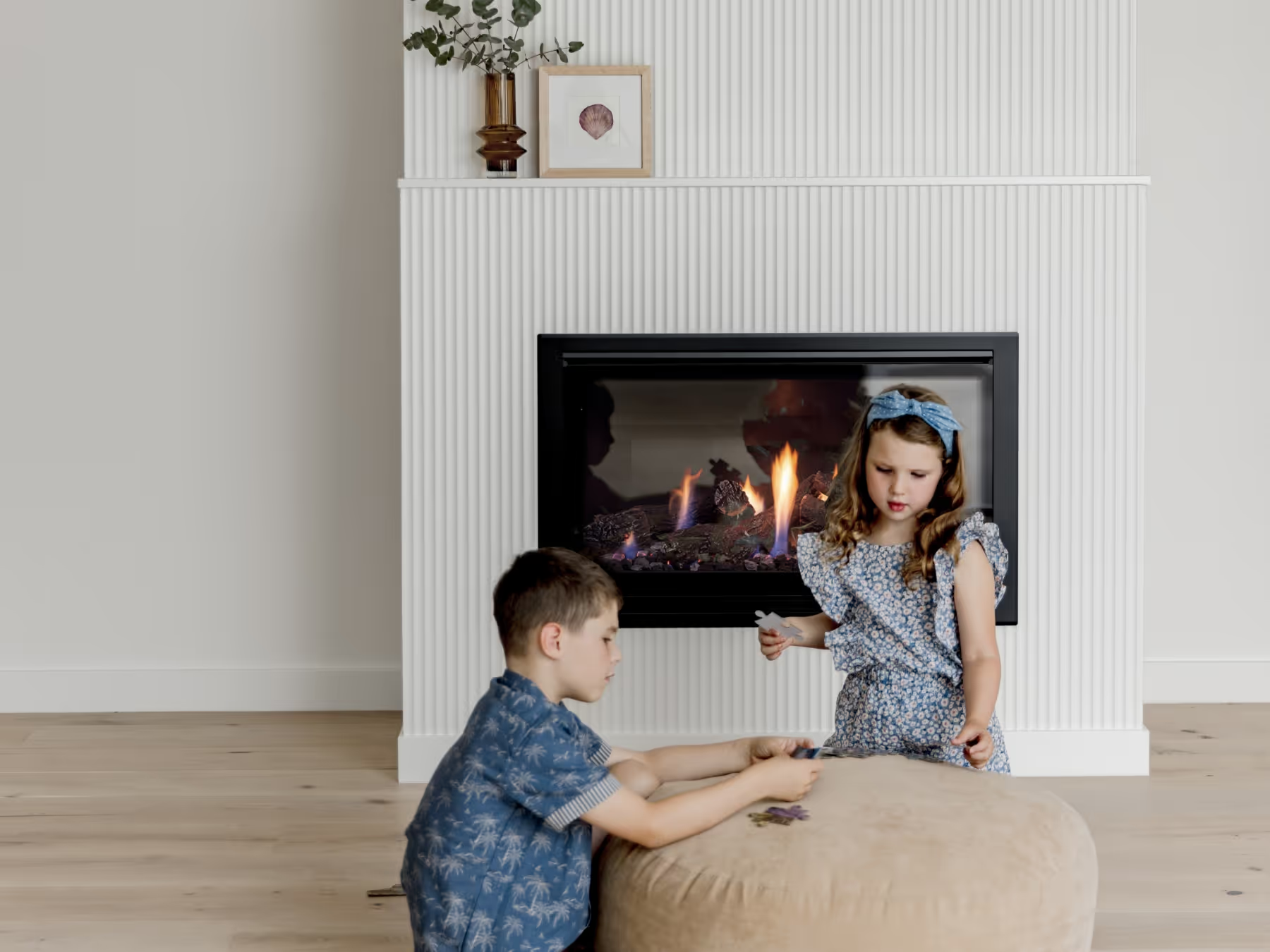
Flames at your Fingertips
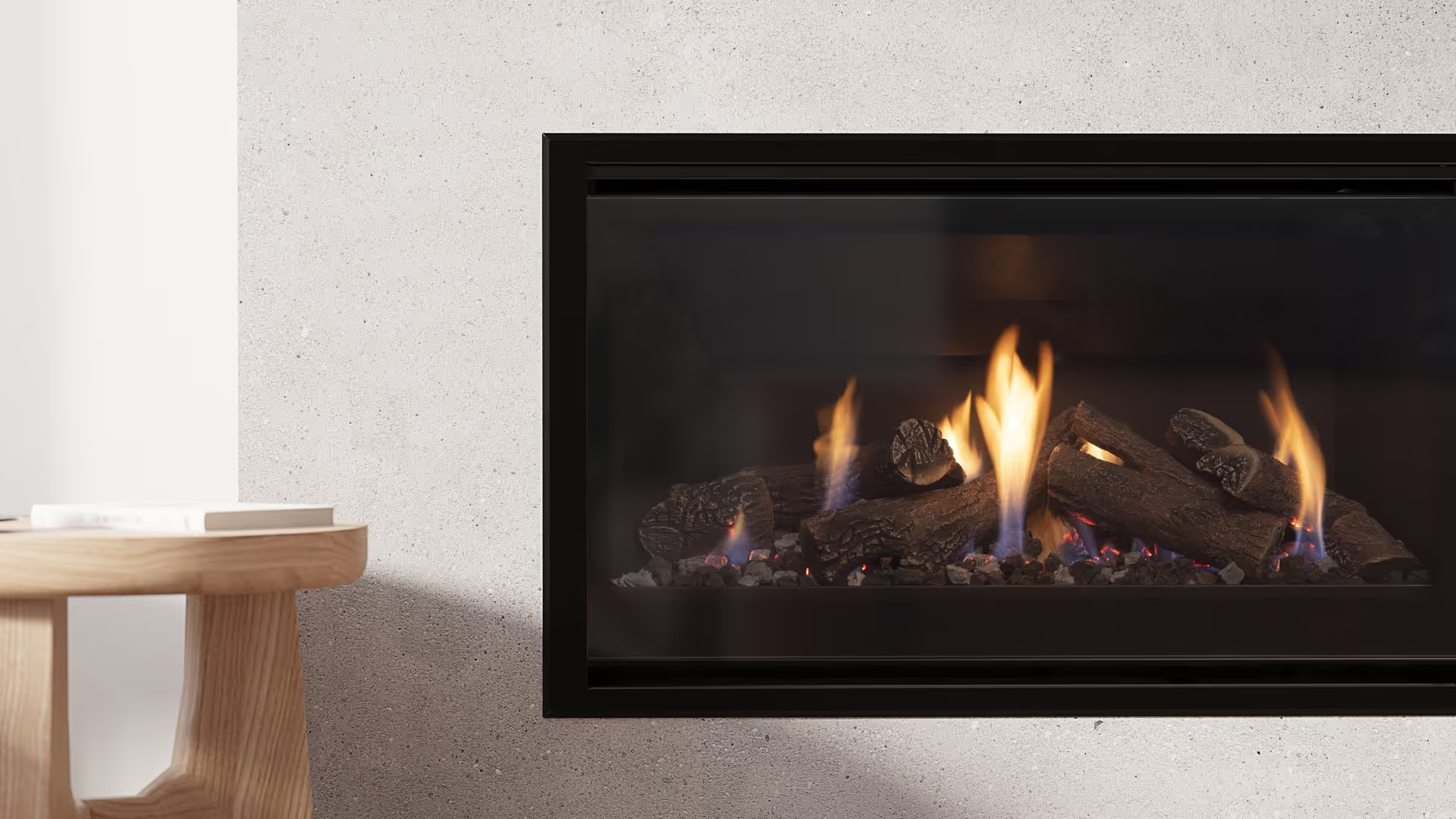
Always Up to Date
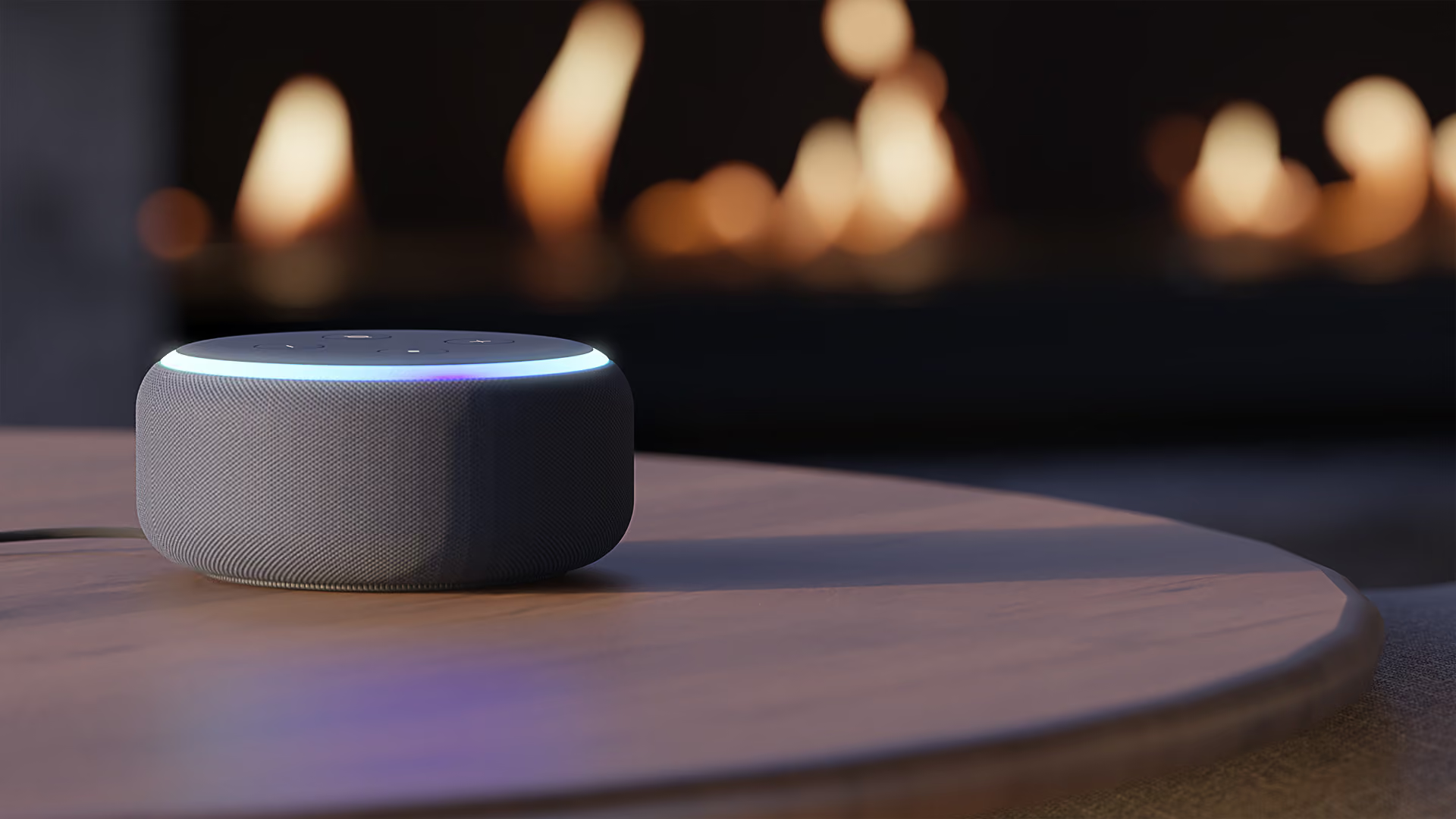
Hands-Free Voice Control with Alexa or Google Home
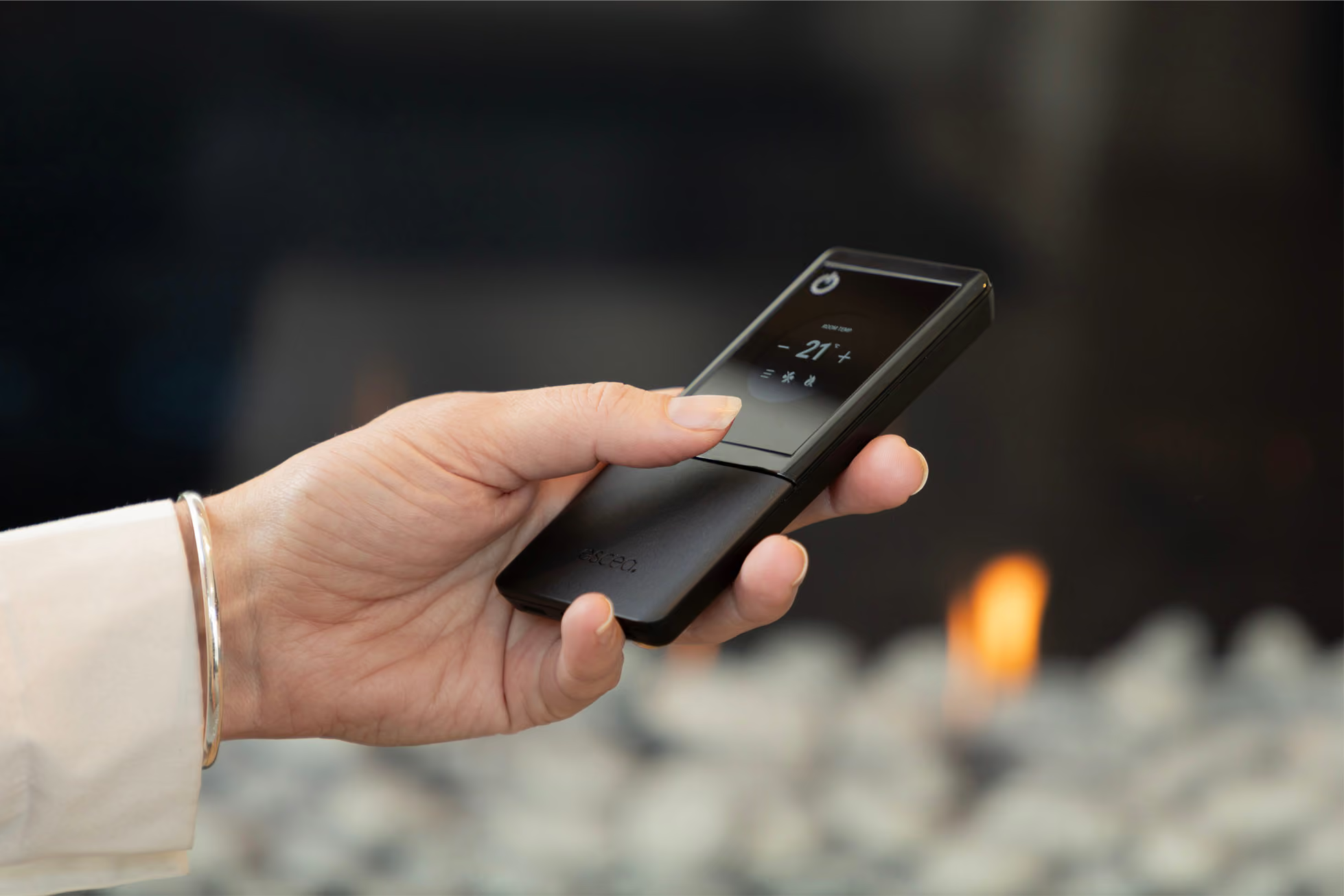
Escea Black
Remote
For Escea gas or electric fireplaces with a black touchscreen remote, download the User Guide and Smartheat App via the links.


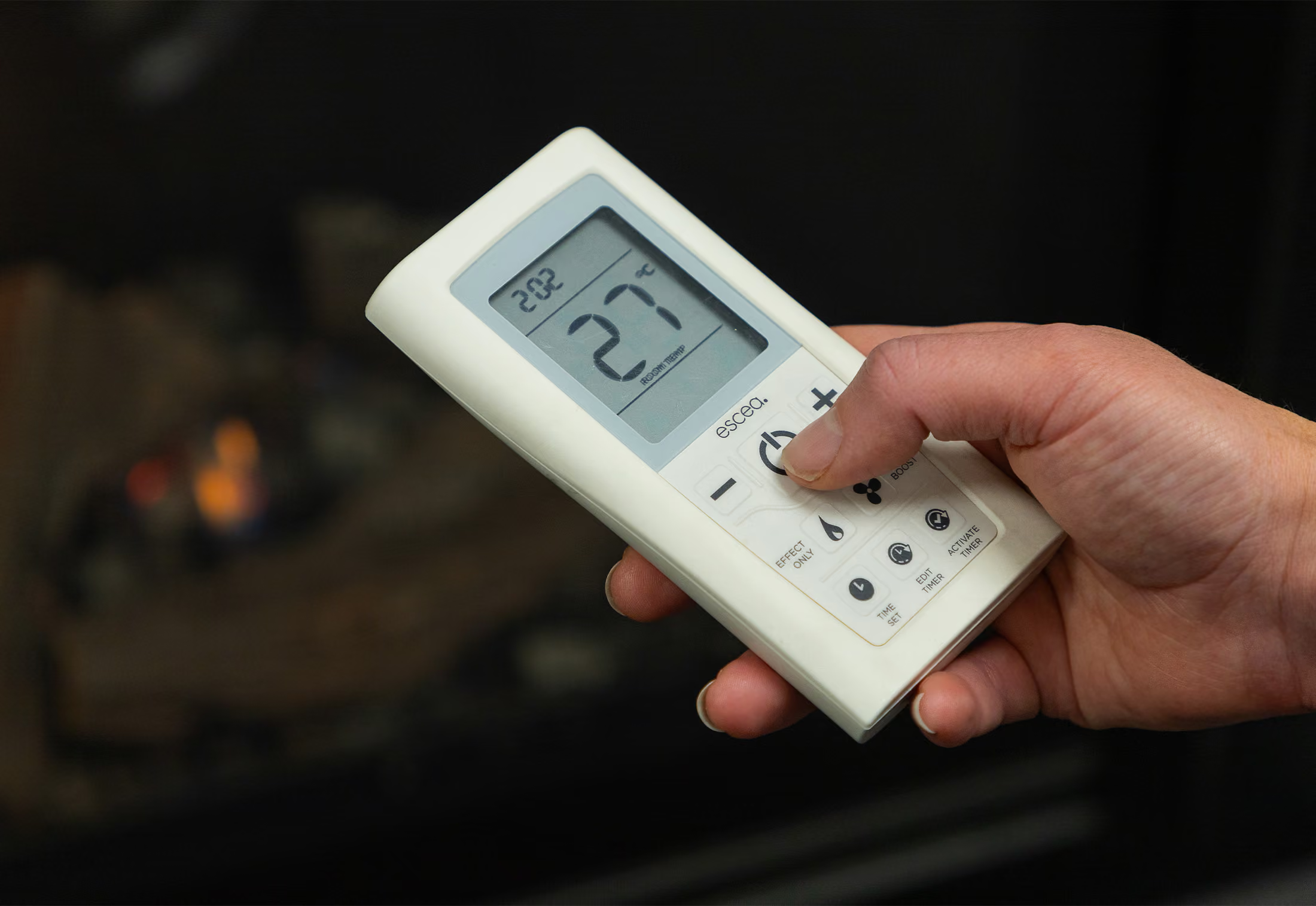
Escea White
Remote
For Escea gas fireplaces that have a white remote, download the User Guide and SmartHeat App via the links.
More Info
SmartHeat User Guides
For step-by-step setup instructions for the SmartHeat App, Alexa, or Google Home, see your fireplace model's User Guide on the Fireplace Specifications page.
Is my electric fireplace compatible with Alexa or Google Home?
Compatible models:
- LR and LRFS Series Electric Fireplaces (all models)
- LE and LEFS Series Electric Fireplaces (MK2 only)
Not sure if you have a MK2 model? See our identification guide.
Getting started with Alexa or Google Home
What you’ll need:
- The latest version of the Escea SmartHeat App – v1.5.2 or newer
- Fireplace firmware v2.1.0 or newer – To check the current version, open the SmartHeat App and go to “Fire Settings” > “Fire name” > “Check for Update” (Wi-fi connection is required).
- An active Alexa or Google Home account
- Follow the setup instructions found in your fireplace model User Guide
FAQs
Where do I find my fireplace serial number?
Depending on your fireplace, your serial number can be found in different locations.
Gas Fireplaces
- White Remote: The serial number is located under the batteries in your remote control.
- Black Remote: Via the remote display: - Shake the remote to wake the display. - Tap the three lines (Menu) at the bottom of the display. - Go to Settings → Advanced → Information. Your serial number will be listed here.
Other locations:
Smart Heat App (MK2 and above) — visible in the top left-hand corner of the app on the home page.
Owners Manual — printed on a sticker on the cover page. Quick Start Card included in the remote control's packaging.
Wood Fireplaces
- In-Built (TC Series) The serial number is located under the door handle on the right-hand side of the appliance.
- Freestanding (TFS Series)The serial number is on a steel data plate outside the back of the fire.
Tip: If you're unable to access the rear of the fire, your installer may have recorded the serial number on your installation manual.
Electric Fireplaces
Via the remote display:
- Shake the remote to wake the display.
- Tap the three lines (Menu) at the bottom of the display.
- Go to Settings → Advanced → Information.- Your serial number will be listed here.
Other locations:
Smart Heat App (MK2 and above) — visible in the top left-hand corner of the app on the home page.
Owners Manual — printed on a sticker on the cover page.
Quick Start Card — included in the remote control's packaging. For further specifications and detailed instructions, refer to your Owner or Installation Manual.
How to register your fireplace?
Registering your fireplace helps us provide faster, more tailored support whenever you need it. To complete your registration, simply locate your fireplace’s serial number and fill out the form here.
Your details are stored securely in accordance with our Privacy Policy.
Do I need to get my gas fireplace serviced?
Yes. Gas fireplaces should be serviced regularly to ensure safe, efficient operation. We recommend an annual service, ideally before winter. A licensed gasfitter must carry this out and provide any required compliance documentation.
Register your fireplace
By registering your fireplace, we are able to assist you more quickly with any questions you have regarding your fireplace.
Get in Touch
To help us get you the right support as quickly as possible, please have the fireplace serial number and installation address handy, along with photos or videos if you can.
This helps our team better understand your fireplace setup and assist you faster from the first contact.